


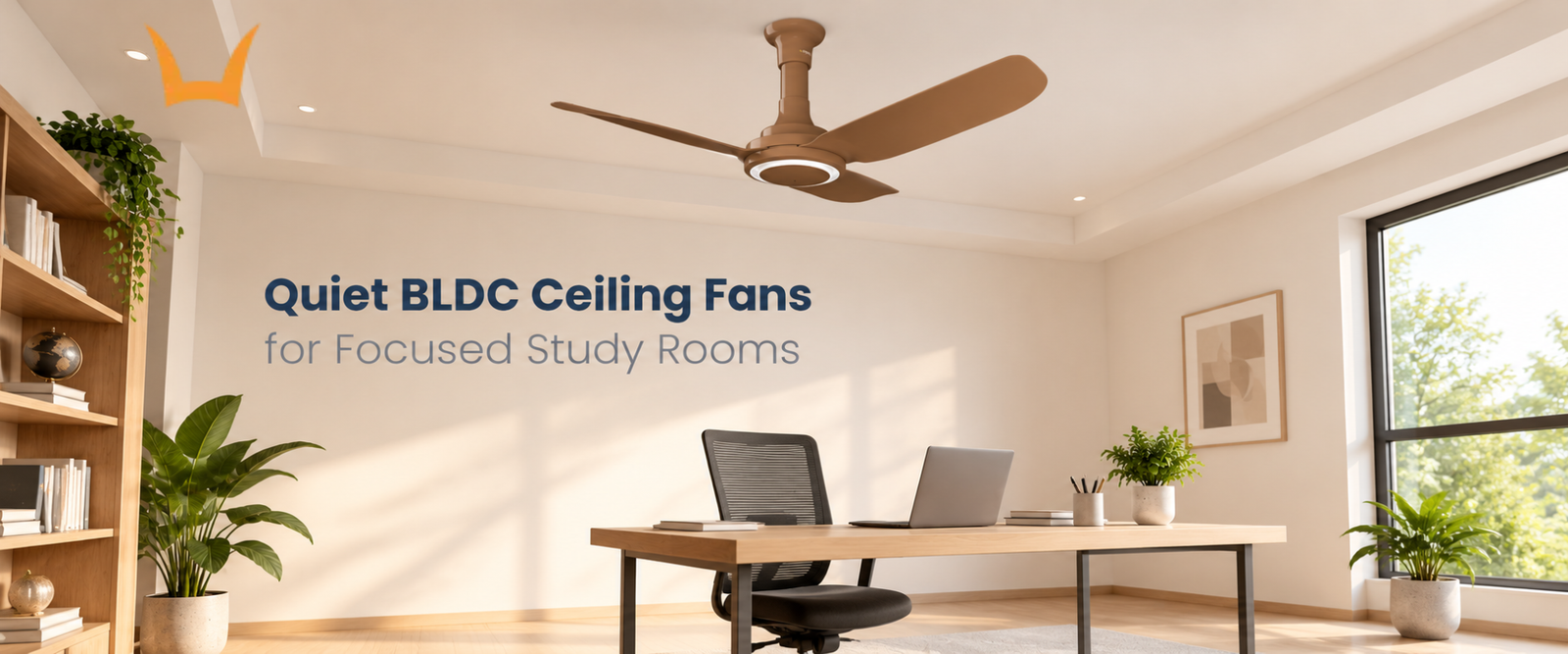
Quiet BLDC Ceiling Fans for Focused Study Rooms
- What Makes a Ceiling Fan Quiet?
- Why Consider a BLDC Fan for a Study Room?
- Comfortable Airflow Matters More Than Maximum Speed
- How to Compare Quiet Ceiling Fans Before Buying
- Choose Controls That Suit Your Study Routine
- Match the Fan to the Room and Desk Position
- Explore Syona BLDC Ceiling Fans
A fan becomes difficult to ignore when its hum is louder than you would like or its strongest setting keeps lifting the pages of your book. In a study room, comfortable airflow matters just as much as quiet operation.
A well-designed BLDC ceiling fan can provide efficient air movement with low motor noise. For studying, choose a model that delivers a comfortable breeze at a speed you find quiet, with controls that make small adjustments easy.
The BLDC label is a useful starting point, but the complete fan determines the result. Blade design, speed, installation and the position of your desk all affect what you hear and feel.
What Makes a Ceiling Fan Quiet?
The sound of a ceiling fan comes from several places. You may hear the motor, air moving around the blades or vibration travelling through the mounting.
A quieter motor addresses only one part of that sound. Even with smooth motor operation, moving blades still produce airflow noise, particularly as speed increases.
This explains why two quiet ceiling fans can sound different in the same room. One may produce a soft, even rushing sound, while another has a more noticeable hum.
For a study room, pay attention to the character of the sound as well as its loudness. A repeating click or changing tone may catch your attention more than steady airflow.
If possible, listen to the fan at several settings before choosing it. A demonstration at its lowest speed does not tell you how it sounds at the setting you will actually need.
Why Consider a BLDC Fan for a Study Room?
BLDC stands for brushless direct current. These fans use electronic controls to operate the motor, and suitable motor-control designs can reduce electrical losses and support smooth, low-noise running.
That combination is useful in a room where the fan may run through reading, coursework and online lessons.
However, “brushless” does not mean conventional ceiling fans contain noisy brushes. Common induction-motor ceiling fans are also brushless. The meaningful differences concern the motor design and how it is controlled.
A BLDC fan for a study room is therefore worth comparing on its actual performance: airflow, sound at different speeds and electricity use. The technology alone does not guarantee that every model will be quieter than every conventional fan.
Comfortable Airflow Matters More Than Maximum Speed
The strongest breeze is not always the most useful setting for desk work. Airflow should reach where you sit without becoming distracting.
A fan that feels comfortable only at full speed may give you fewer quiet settings to work with. Look for a model with useful intermediate speeds so you can adjust the breeze as the room conditions change.
Keep these specifications separate:
- Air delivery: The volume of air the fan moves, commonly stated in cubic metres per minute.
- Sweep: The diameter covered by the rotating blades.
- RPM: How fast the blades turn.
RPM alone does not tell you how much air will reach your desk. Blade shape and size also influence performance.
A ceiling fan helps you feel cooler by moving air over your body; it does not lower room temperature in the way an air conditioner does. Turn it off when the room is empty unless there is another reason to keep it running.
How to Compare Quiet Ceiling Fans Before Buying
Descriptions such as “silent” and “whisper quiet” need context. A moving fan is not necessarily inaudible simply because its product name suggests silence.
If a manufacturer provides a decibel rating, ask which speed it represents and how it was measured. Figures taken at different distances or under different conditions may not offer a fair comparison.
During a demonstration, listen at low, medium and high speeds. Notice whether the sound remains steady and whether changing speed introduces a pronounced hum.
A busy showroom may mask sounds that become noticeable in a quiet room, so a demonstration is helpful without perfectly reproducing home conditions.
When comparing quiet modern ceiling fans, avoid assuming that more blades, fewer blades or a particular material automatically means less noise. Ask about the performance of the complete model.
Choose Controls That Suit Your Study Routine
A remote control lets you adjust the fan without leaving your desk. The useful detail is how well the available settings match your preferences.
Check whether the lowest speed provides a gentle breeze and whether the steps between speeds feel manageable. Several settings offer limited benefit if most feel too strong for the room.
Other features worth checking include:
- Timers: Useful when you want the fan to switch off after a selected period.
- Indicator lights: Consider their brightness if the study doubles as a bedroom.
- Dual rotation: Choose forward rotation for cooling and reverse rotation to circulate warm air during cooler weather, where supported by the model.
- Safety mechanism: Check whether the fan includes protection against overheating and electrical faults.
Features vary between models. Some BLDC fans support a wall regulator, while others require a different installation arrangement. Follow the manufacturer’s instructions rather than assuming your existing control is suitable.
Match the Fan to the Room and Desk Position
The fan should serve the occupied part of the room, including the desk. Selecting it only by the room’s overall size can overlook where you actually sit.
Discuss the room dimensions, ceiling height and furniture arrangement with your BLDC fan manufacturer or installer. Follow the specified mounting height and blade clearances.
Check nearby lights too. Their position relative to moving blades can affect shadows across the room or work surface.
Once installed, assess the airflow from your normal seated position. If it is too strong directly beneath the fan, a small desk adjustment may help where space permits.
Secure mounting and correct assembly are important for stable operation. Persistent wobbling or rattling should be inspected rather than accepted as normal background sound.
Explore Syona BLDC Ceiling Fans
Syona’s HUSH Premium lists a 1200 mm sweep, remote speed control and typical motor input power of 28 W. For study room use, ask the team about sound performance at different speeds and installation suitability. Confirm the details for your selected variant before ordering.
Conclusion
The right quiet fan for a study room provides a comfortable breeze without drawing your attention. Compare sound at usable speeds, check the controls and consider where you sit. Those details matter more than a “silent” label on its own.
Choose Your Study Room Fan with Confidence
Find a ceiling fan that suits your study routine and room layout. Explore Syona’s BLDC fan options to compare airflow, speed settings and power consumption, helping you select a model for comfortable everyday use.